
Ruining the Swift-iness of my code to get some huge performance wins. Instead of completely pinning the CPU at 60 FPS now I’m using 50-70% of the CPU.
Using existentials in tight loops is bad news. But existentials are so CONVEEENIENT 😩
More things are working! I think from the video series that inspired this project, these palette issues will go away once I implement sprites. (So far we’re just seeing backgrounds.)
🤞
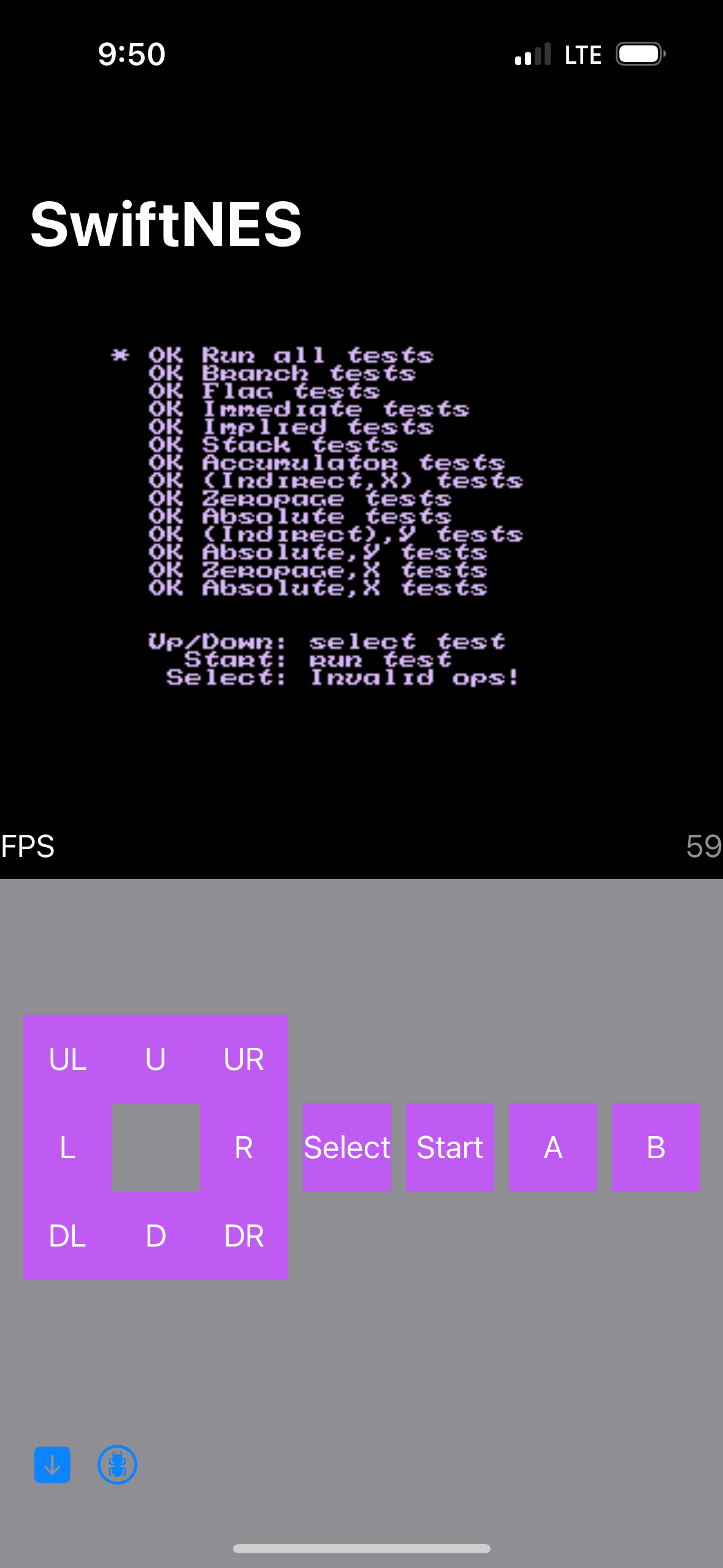 An NES test ROM’s display showing a list of tests with “OK” next to each.
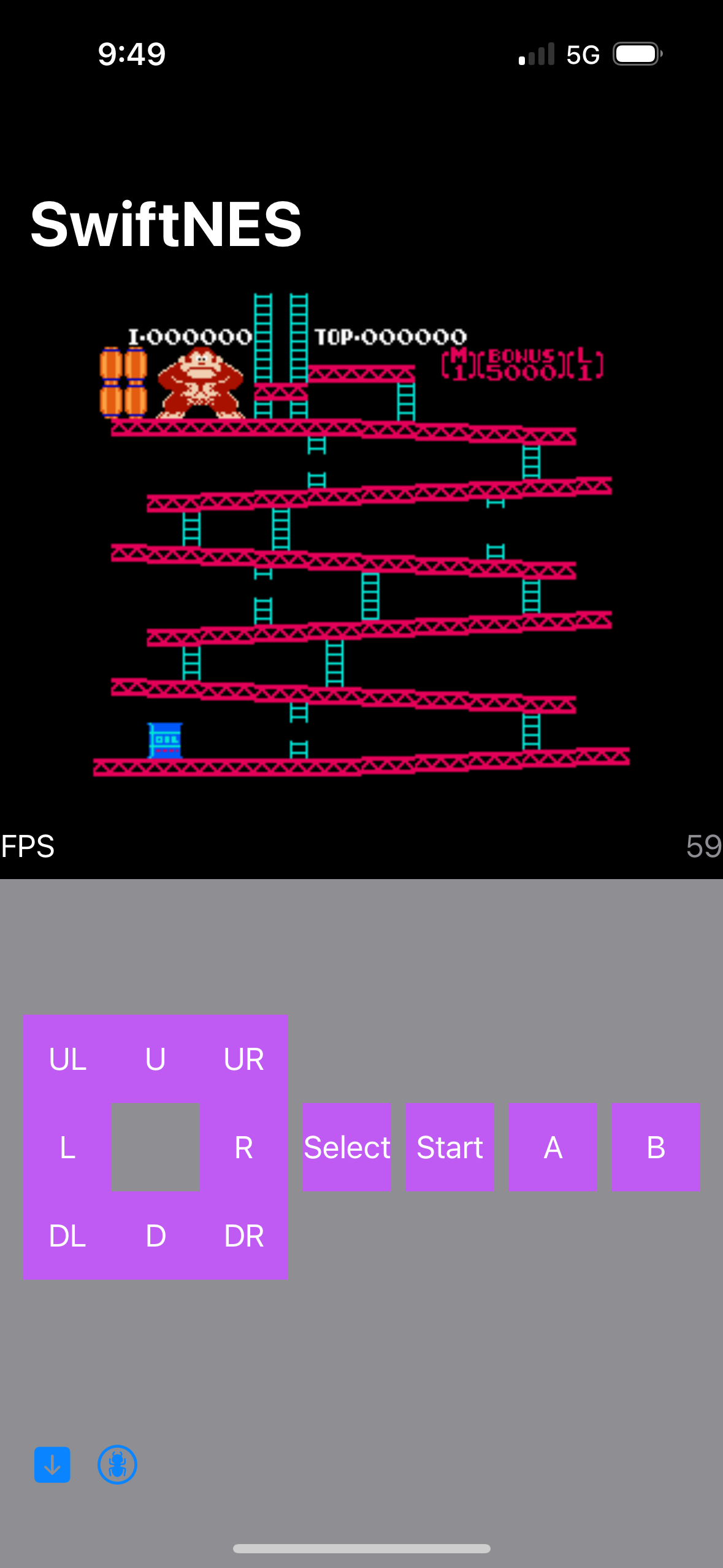 Donkey Kong’s demo mode showing correctly, albeit without any sprites. DK is visible at the top of the level but Mario and DK’s barrels are not visible.
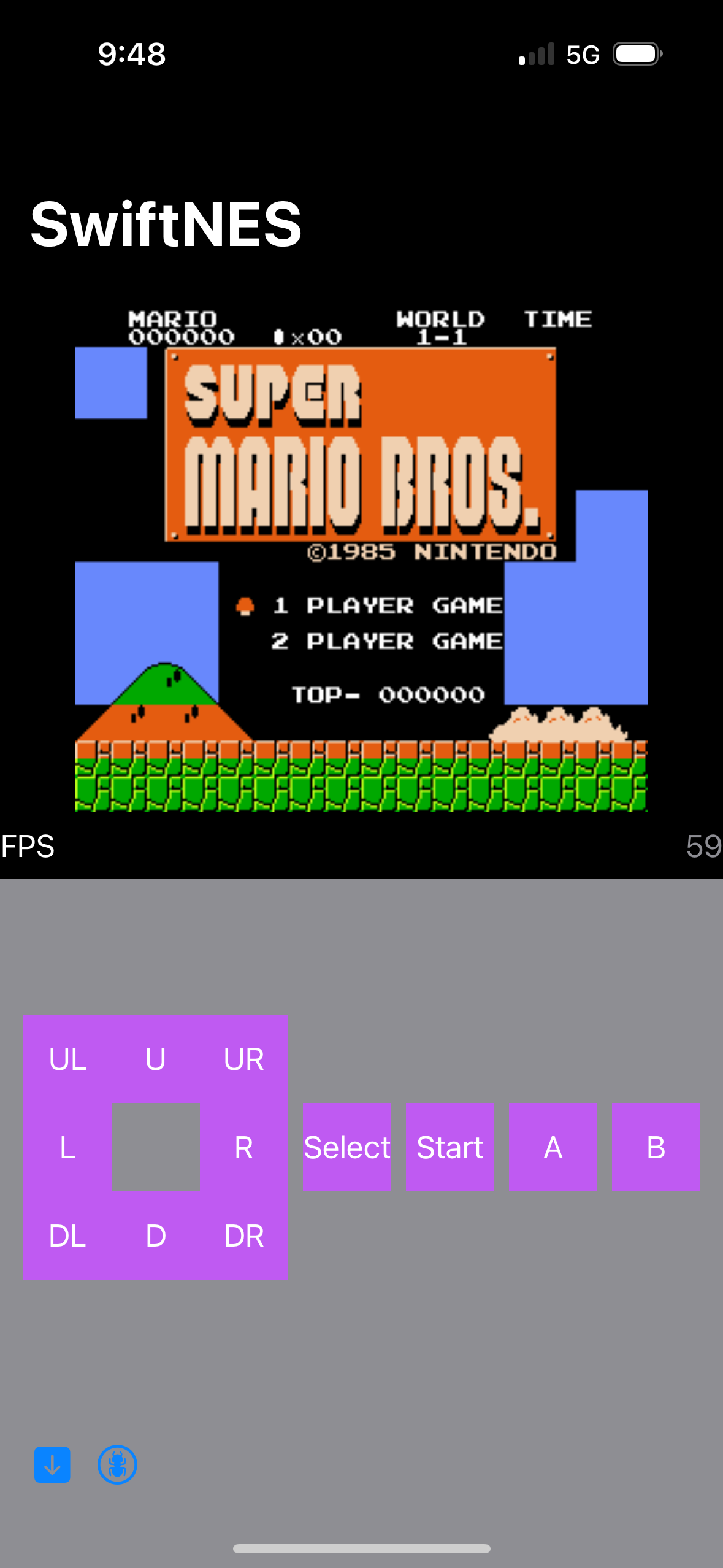 The opening screen of Super Mario Bros, but several portions of the screen are showing the wrong colours.
SPRITES!!!
I changed something that’s corrupting the palette’s background, but SPRITES ARE WORKING!
The Donkey Kong demo that shows if you don’t press any buttons at the start screen. DK now throws barrels, Mario climbs up the level and uses a hammer to explode some barrels before being hit by one. The background is grey instead of the correct colour, which is black.
THIS CLOSE to perfect! Looks like I have an off-by-one error with the scrolling on the scanline at the bottom of the hud area, but otherwise I’m absolutely over the moon with this!
The demo that plays at the start of Super Mario Bros. There’s a glitch where the bottom line of the hud area scrolls and snaps back when it should stay static on screen, but all the animations and colours are correct!
I had to dip into UIKit to make a controller that worked with multiple simultaneous touches and tracked touches when they enter a view instead of just when touches _begin_ in a view, but this thing is properly playable now! (I am bad at Mario though)
A playthrough of world 1-1 of Super Mario Bros using a very ugly on-screen controller.
I had to look at the Delta source code for inspiration because as far as I can tell UIControl.Event.touchDragEnter does not behave as advertised. Thanks @rileytestut!